Activate IDX and VOW listing access
Understand which listing features each agreement enables and where to complete activation.
Step-by-step instructions
- 01
Know the difference
IDX generally enables public active-listing search. VOW enables protected listing information, including sold search where the approved feed permits it, after visitors register and sign in. Brokerage-listing access may also require a separate DLA agreement.
- 02
Read the detailed agreement guide
Open the full VOW & Sold Listing Search guide linked below. It explains the PropTx workflow, broker approval and what to check before submitting each agreement.
- 03
Use your live domain
Enter the exact production website domain that will display listings. Do not enter localhost, a temporary preview URL or the admin dashboard address.
- 04
Wait for verification and activation
After the relevant board and broker approvals, Opei verifies the permitted feed and enables the matching access level. Listing and map features can remain unavailable until both steps are complete.
Screenshots and callouts
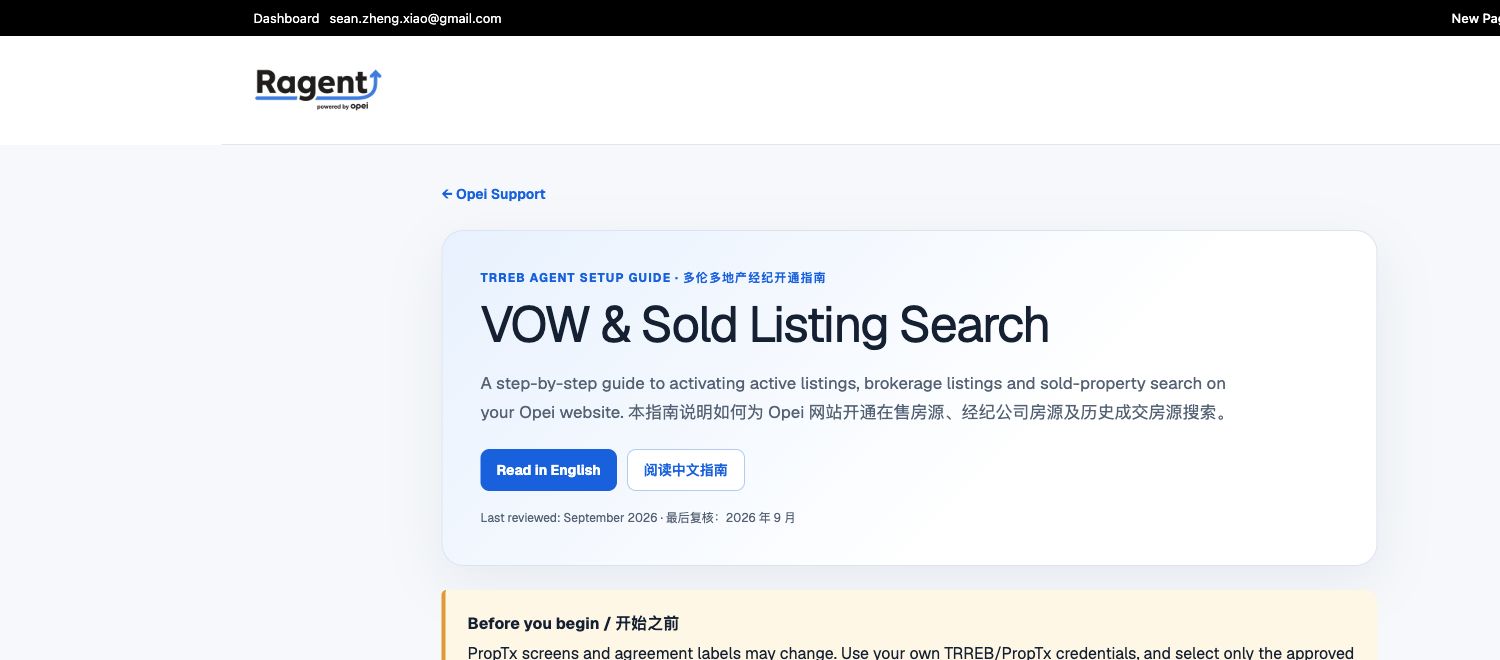 1 · Choose your language